You finish the day exhausted, look back at your to-do list, and realize you barely touched the three things that mattered. Instead you answered messages, sat in two unnecessary meetings, and chased small fires. The list was never the problem. The missing ingredient was time.
A to-do list has no sense of scale. Ten items look equal on paper, but one is a five minute email and another is a four hour project. When you sit down to work without assigning each task a slot on the clock, the easy items win by default and the hard, valuable ones get pushed to tomorrow, again and again.
Time blocking fixes this. Instead of asking what should I do today, you decide when you will do it. In this guide you will learn what time blocking is, why it beats a plain checklist, how to build blocks in a few minutes, and how to track your blocks in your habit tracker Excel template so you can see whether your plan matches your reality.
What Is Time Blocking?
Time blocking is the practice of dividing your day into chunks of time and assigning a specific task or category of work to each chunk. Instead of a floating list, you get a calendar shape: 8:00 to 9:30 for the report, 9:30 to 10:00 for email, 10:00 to 12:00 for deep work, and so on.
The idea is not new. Productivity writer Cal Newport has championed time blocking for years in books like Deep Work, arguing that knowledge workers should schedule every minute of the workday rather than react to whatever arrives. The core insight is simple: work expands to fill the time you give it, so you may as well give it a boundary.
Time blocking is a close cousin of your existing habits. In fact, whether you realize it or not, your best routines are already time blocked. You brush your teeth at roughly the same slot every morning. You eat lunch around the same hour. The habits that run on autopilot are the ones that own a fixed place in your day. Time blocking extends that same principle to the work you still have to think about.
Why Time Blocking Works
Four forces make a scheduled day outperform an unscheduled one. None of them require more willpower, and all of them show up clearly when you track your blocks in your habit tracker for Excel and Google Sheets.
- It beats Parkinson's law. Work stretches to fill whatever time is available. Give a task two hours and it takes two hours. Give it forty five minutes and, surprisingly often, it still gets done. Blocks create the deadline that a to-do list never provides.
- It reduces decision fatigue. Every unscheduled moment forces a small choice: what now? Those micro decisions drain your attention before the real work starts. A block answers the question in advance, so you just begin.
- It cuts task switching. Bouncing between tasks has a real cognitive cost. Batched blocks keep related work together, so you spend less energy reloading context every few minutes.
- It makes your day honest. When you write down how you intended to spend your time, you stop fooling yourself about where it actually went. That honesty is the first step to changing it.
"A plan without a time attached is a wish. A plan with a block is a commitment you can keep or break on purpose."
: My Habit Journals
Time Blocking vs a To-Do List
The two tools do different jobs, and the strongest setup uses both. A to-do list is your capture zone: everything you might do lives there so it stops renting space in your head. Time blocking is your commitment zone: it takes the few items that matter today and gives each one a slot.
Think of the list as the warehouse and the blocks as the shipping schedule. You never try to ship the entire warehouse in one day. You pick the boxes that need to move and load them into the truck. When the truck is full, the day is full, and anything left over waits for tomorrow by design rather than by failure.
This is why tracking matters. It is easy to plan a beautiful schedule and then abandon it by 10am. Your habit tracker Excel template turns each block into a checkbox, so over a week you get a completion rate instead of a vague feeling. And a number you can see is a number you can improve.
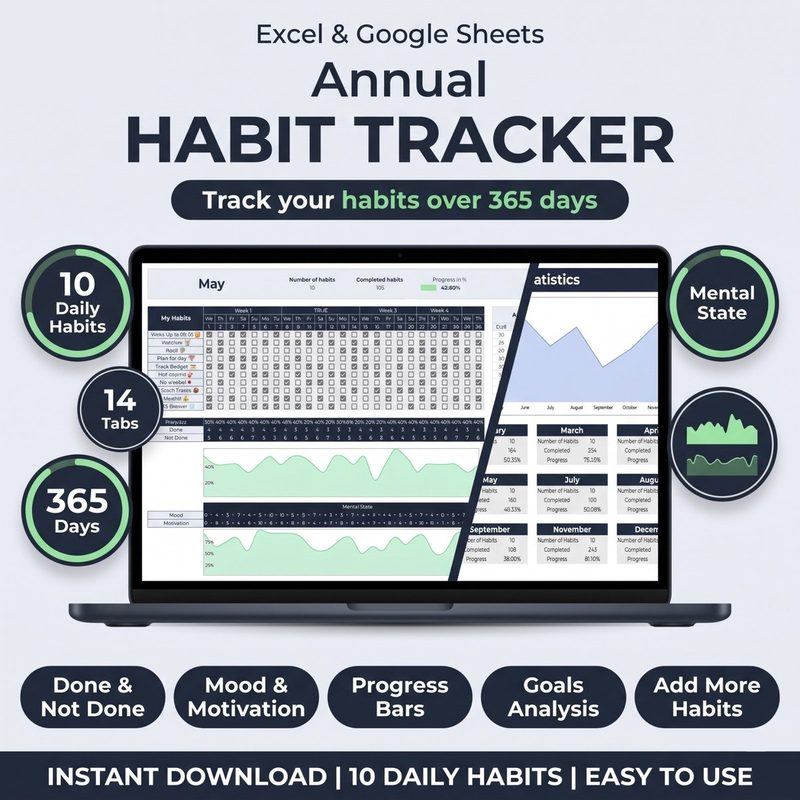
Plan the day, then prove you followed it. The Habit Tracker for Excel & Google Sheets lets you log planned blocks, track completion, and watch your follow through rate climb week over week.
Get the Habit Tracker · $10How to Time Block in 5 Steps
You do not need an elaborate planning ritual. Ten minutes at the start of the day, or the night before, is enough. Here is a repeatable process.
Step 1: Fix your anchors first
Drop in the immovable parts of the day: wake time, meals, meetings, school run, gym, bedtime. These fixed points are the frame. Everything else has to fit between them, and seeing the gaps on paper instantly reveals how much real time you have.
Step 2: Pick your top three priorities
From your to-do list, choose the three tasks that would make the day a win if nothing else happened. Give each one a block sized to the work, not to your optimism. If a task needs ninety focused minutes, reserve ninety.
Step 3: Add a deep work block
Protect at least one long, uninterrupted stretch for the hardest task of the day. Schedule it when your energy is highest, usually the morning for most people, and defend it like a client meeting. This single block often produces more value than the rest of the day combined.
Step 4: Batch the shallow work
Email, messages, admin, and quick errands do not deserve scattered fragments all day. Gather them into one or two short blocks. When a message arrives outside a batch block, note it and handle it later. Your focus blocks stay intact.
Step 5: Leave buffer and reserve time
A schedule with zero slack will break the first time anything runs long. Add a fifteen minute buffer between major blocks and keep one open reserve block, so a surprise does not topple the whole plan. If nothing unplanned happens, the reserve becomes bonus work or an early finish.
Tracking Your Time Blocks in a Habit Tracker Excel Template
Planning is half the job. The other half is seeing whether the plan survived contact with reality. Your habit tracker Excel template is already built around a daily grid of rows and checkboxes, which makes it an ideal time block log. A few small adjustments turn it into a planning and follow through tool.
- Make each block a row. Label rows for your recurring blocks, such as Morning Focus, Admin Batch, and Afternoon Deep Work, and check the box on days you kept them.
- Keep a planned versus kept score. Each evening, mark whether the block happened as scheduled. Over a week, your completion percentage tells you if your plans are realistic or wishful.
- Use a notes column for context. If a block slipped, note the reason in three words. Patterns appear fast: too many meetings on Wednesdays, mornings too optimistic, admin always underestimated.
- Track one keystone block. Treat your deep work block as the priority and refuse to let it slip twice in a row.
- Review weekly. Compare planned blocks to kept blocks and shrink the plan until it matches the time you really have.
Common Time Blocking Mistakes
Time blocking fails for predictable reasons. Avoid these traps and the practice holds.
Overbooking the day. The classic error is filling every minute as if nothing will go wrong. Real days have surprises, interruptions, and slow human beings. Schedule about seventy percent of your available time and leave the rest open. A plan you can finish beats a plan that looks heroic.
Blocking tasks that are actually projects. If a block says work on the website for two hours, you will spend the first thirty minutes deciding what to do. Make each block a concrete action, such as draft the pricing page, so you start the moment the block begins.
Abandoning the plan at the first interruption. When something urgent lands, do not throw out the whole schedule. Move the affected block, do not delete it. Use your habit tracker Excel template to reschedule rather than abandon, and track the block at its new time.
Never reviewing the data. A completed block log is a mirror. If your deep work block keeps getting pushed, that is information, not bad luck. Weekly review turns the numbers into a better plan for next week.
Frequently Asked Questions
How is time blocking different from a calendar?
It uses the same grid, but the mindset differs. A calendar records what other people put on your schedule. Time blocking is you proactively claiming your own hours for the work that matters, including focused tasks nobody else assigned you.
How many hours should my deep work block be?
Most people can sustain one to two hours of genuinely focused work before quality drops. Start with a single ninety minute block and protect it. One reliable deep block a day beats four scattered ones you never complete.
What if my job is full of unpredictable interruptions?
Block what you can control and stop trying to schedule the chaos. Plan the parts of your day you own, batch the reactive work into short windows, and leave generous buffer. Even a partly time blocked day beats flying blind.
Can I track time blocks in Google Sheets as well as Excel?
Yes. The habit tracker template works in both Excel and Google Sheets, so you can plan and check off blocks from whichever device is nearest, and it syncs with your usual workflow.
How long before time blocking feels natural?
Give it two to three weeks of consistent tracking. At first the blocks will feel rigid, and you will overbook. After a few weekly reviews you will know your true capacity, and the plan will start matching your real day almost on its own.
The Bottom Line
A to-do list captures what you might do. Time blocking decides when you will do it, and that single shift is often the difference between a day that slips past you and a day you actually shaped. You do not need new software. You need a grid of blocks and a way to check whether you kept them.
Start tomorrow morning. Pick your top three tasks, give each one a block, protect one deep work stretch, and batch the shallow work. Then open your habit tracker Excel template and mark what happened. Repeat for a week, review the numbers, and shrink the plan until it is one you can genuinely finish.
When your schedule and your tracker agree, planning stops being a hopeful list and becomes a reliable habit. Open the template, block the day, and turn intention into a checkmark you can see.